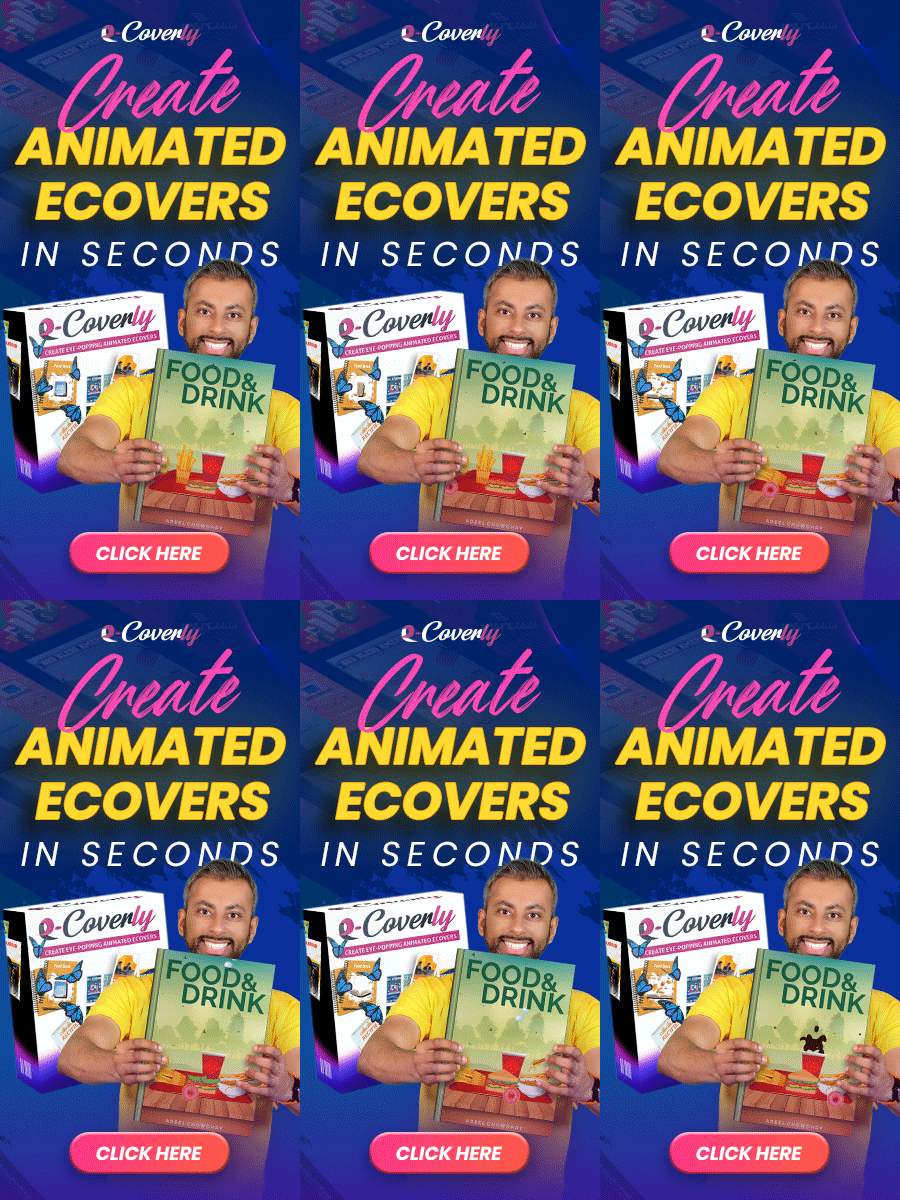
Introduction to Animated Ecovers
Animated Ecovers are a powerful tool in the world of digital marketing and product promotion. They help capture the attention of your audience and make your product or service stand out from the crowd. In this article, we will explore the concept of animated Ecovers and how they can benefit your business.
What are Animated Ecovers?
Animated Ecovers are digital graphics or images that are designed to mimic the appearance and behavior of physical product packaging. They can include various elements such as 3D effects, movement, and interactive features. These Ecovers are typically used for promotional purposes, especially for digital products, eBooks, software, or online courses.
Advantages of Animated Ecovers
There are several advantages to using animated Ecovers for your products:
- Enhanced visual appeal: Unlike static images, animated Ecovers add visual interest and attract attention. They can showcase the product from different angles and perspectives, creating a more engaging experience for potential customers.
- Increased perceived value: Animated Ecovers make your digital products feel more tangible and valuable. By mimicking physical packaging, they help to overcome the intangible nature of digital products and create a sense of professionalism.
- Better product presentation: With animated Ecovers, you can demonstrate the functionality and features of your digital products more effectively. You can showcase interactive elements, display how the product works, or even demonstrate the user interface.
- Improved branding: Animated Ecovers can be customized to align with your brand's visual identity and marketing message. By incorporating your brand colors, logo, and design elements, you can reinforce your brand's image and make your products instantly recognizable.
How to Create Animated Ecovers
Creating animated Ecovers requires some design skills and knowledge of graphic editing software. However, there are also user-friendly tools and templates available online that make the process easier for beginners. Here are some steps to get started:
- Choose a design: Select a design that matches your product or the message you want to convey. Different design templates are available for various products, ensuring you find the perfect fit.
- Add graphics and text: Customize the design by adding your product graphics, images, and text. This step will help you create a professional-looking Ecover that represents your brand effectively.
- Implement animation: Use animation tools or software to add movement and interactive elements to the Ecover. You can include effects like turning the image, zooming in and out, or even animate the product in use.
- Preview and export: Before finalizing your animated Ecover, review the design and test the interactive elements. Once you are satisfied, export the Ecover in a suitable format for web or digital use.
Conclusion
Animated Ecovers are a fantastic way to make your digital products more engaging and visually appealing. By utilizing animation, customization, and interactivity, you can elevate your product presentation and strengthen your brand identity. Invest in creating attention-grabbing animated Ecovers to capture your audience's interest and leave a lasting impression.
Start exploring the possibilities of animated Ecovers today and take your digital marketing efforts to the next level!